The wish list button for Chrome
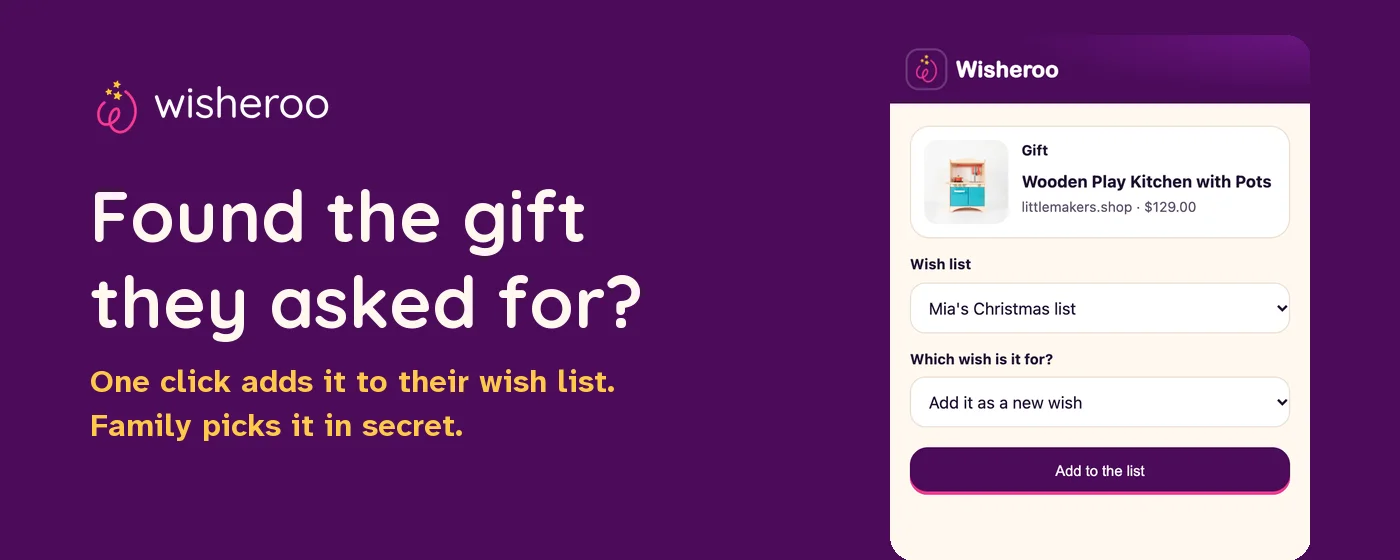
Found the exact gift they asked for? Add it to their wish list from any store in one click.
Wisheroo Wish Lists is a free Chrome extension. It puts the real product, with its picture and price, right next to the video of your kid asking for it. Family open the same link they already have and pick it in secret. No doubles, and it stays a surprise.
Add to Chrome, freeFree. Works on any store. Reads a page only when you click the button.
How the wish list extension works
A universal wish list, with the video built in
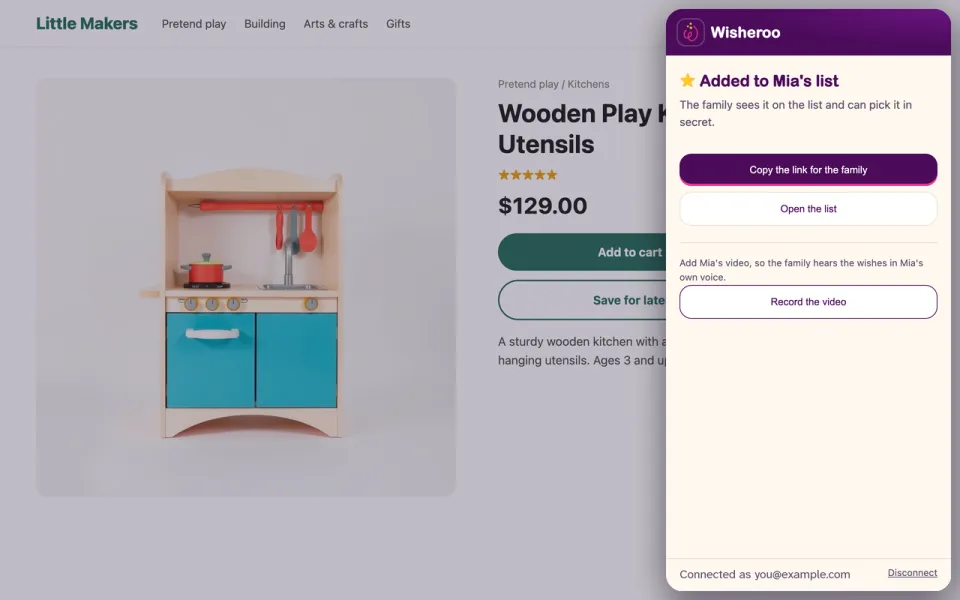
Most wish list apps keep a list of links. Wisheroo starts with your kid saying the wishes on camera, then writes the list and finds gift ideas for each one. The Chrome extension is how you swap an idea for the exact product you found, from whatever store has it.
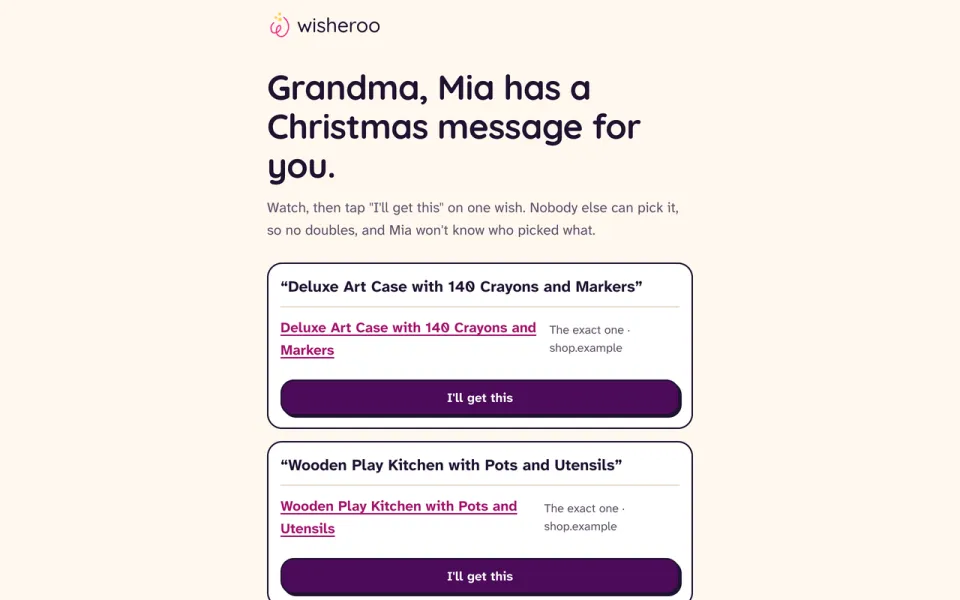
Family members never need the extension. They open the link you text them, watch the video and tap "I'll get this" on a wish. Each wish can only be picked once.
Make a wish list firstQuestions
Is it free?
Yes. The extension and Wisheroo wish lists are free.
Which stores does it work with?
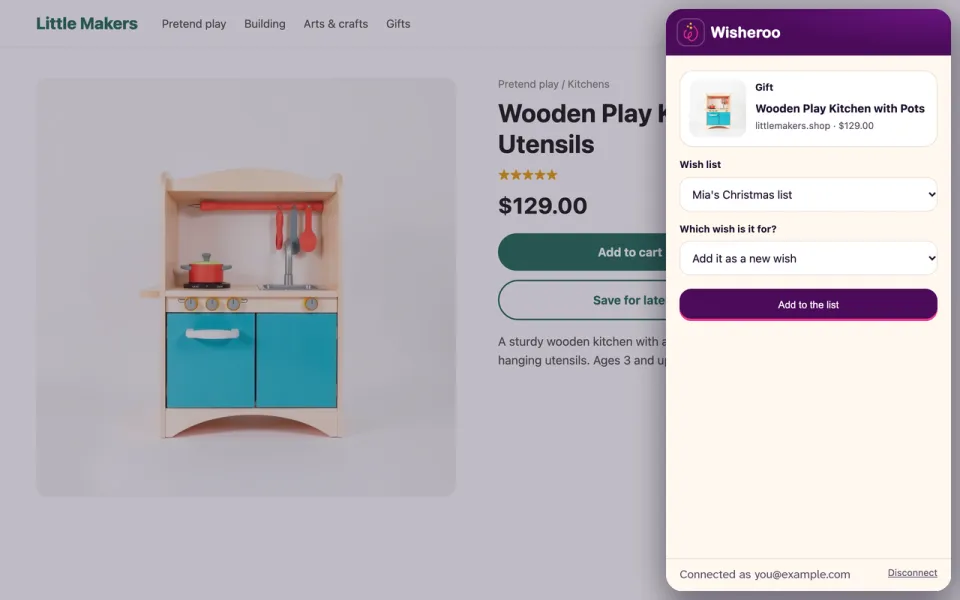
Any online store you can open in Chrome. Open a product page, click the Wisheroo button, and it reads the product name, picture, price and address.
What does the extension read?
Only the page you are on, and only when you click the button. It never reads other tabs or your browsing history, and it never changes store pages or links.
Does Wisheroo change the links of stores or creators?
No. The button never adds or changes affiliate codes on the stores you visit, and if a saved Amazon link already carries someone's tag, Wisheroo keeps it. When family buy from an Amazon link Wisheroo suggests on a wish list page, Wisheroo may earn a commission at no extra cost to them.
Do I need an account?
Yes, a free Wisheroo account. You sign in with your email, no password. The extension connects to it the first time you click it.
Does it work on a phone?
Chrome extensions only run in Chrome on a computer. On a phone, add gifts from your list page on wisheroo.com.
See also how video wish lists work and what we collect.